
A vCard is a digital business card: instead of writing your number down by hand, anyone who opens it can save your contact details to their phone’s contacts. On 1li.ch the vCard is a proper link, with its own statistics, that you can share in chats, add to your email signature or turn into a QR code to print on your paper business card.
- Sign in to 1li.ch and open the Dashboard.
- Click Create link and choose Vcard link.
- Choose the alias, for example
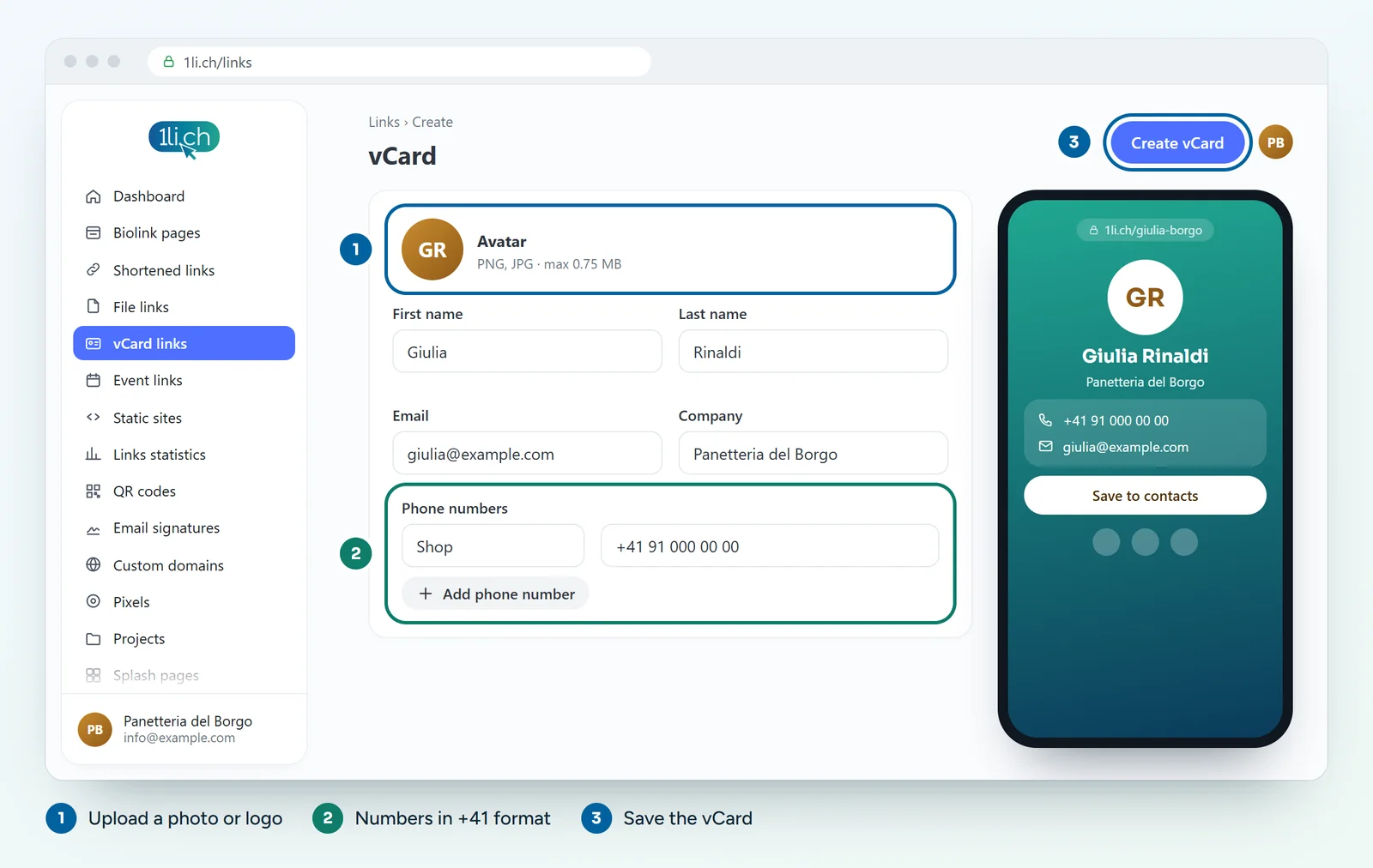
laura, or leave it empty for a random one, and click Create Vcard URL. You fill in the vCard details straight after, when you edit the link. - Upload the avatar, that is your photo or logo (PNG or JPG, maximum 0.75 MB).
- Fill in first name and last name, then email, website, company and job title.
- Add your phone numbers: for each one, choose a label (for example “Office” or “Mobile”) and the number.
- Add your social profiles: for each one, a label and the profile URL.
- If needed, fill in address, city, postcode, region, country, birthday and a note.
- Click Update: the vCard link is in the Links list.
Tips for a vCard that works
- Numbers in international format: write
+41 91 123 45 67, so the number also works for people calling you from abroad. - A light, square photo: the limit is 0.75 MB, and a cropped, compressed photo is more than enough.
- Only the details you want to make public: anyone with the link can see the vCard. If needed, protect it with a password.
- Test before printing: open the link on your phone and check that the contact saves correctly.
From link to paper card
For your printed business card, create a QR code linked to the vCard link: that way, if you change your number or role, you update the vCard and the QR code you have already printed keeps working. Don’t change the link’s alias, though, or the QR code will stop working.
The vCard also has the link options: scheduling with dates, password, click statistics.
In your plan
| Feature | Free | Personal | Business | Agency |
|---|---|---|---|---|
| vCards | 1 | 5 | 50 | 250 |
vCards have their own limit and don’t count towards your short links. See plans and pricing.