Easter Monday, last week, ten in the morning: a couple on a day trip arrives in front of your shop in Ascona because their phone said “open”. But the door is shut and the sheet taped to the glass says “closed for Easter”. You had posted the notice on Instagram days before, but they don’t follow you. They walk back to the car a bit annoyed, and the next time they’re in the area they’ll think twice before stopping at yours.
The problem isn’t closing: everyone is entitled to a day off. The problem is that your opening hours aren’t in one place, but in six or seven, and each one has to be updated by hand. Forget just one and a customer finds the wrong information on exactly that day. In this article we look at how to organise things so that holidays, public holidays and special opening hours only need changing once.
Where your opening hours are (more places than you think)
Try listing all the places where someone can read when you’re open. It usually comes out something like this:
- Your Google listing, which appears when someone searches for your name or “bakery near me”.
- Your website, if you have one, often at the bottom of the page and often out of date.
- Instagram and Facebook, in the profile description and in posts.
- WhatsApp Business, with its automatic away message.
- The answering machine, which may still be announcing the winter hours.
- The sign in the window, flyers and printed menus.
- Regional portals and guides where someone listed you years ago.
That’s too many to keep in sync, especially in spring, when public holidays come one after another and you may also be switching to seasonal hours. You don’t need more discipline: you need a simpler system.
The principle: one source, many links to it
Choose one place where your opening hours are always right, and make all the others point to it. In the other channels, write only your regular hours and a line such as “Closures and special opening hours: you’ll find everything here”, with the link. When something changes, you update the source and that’s it.
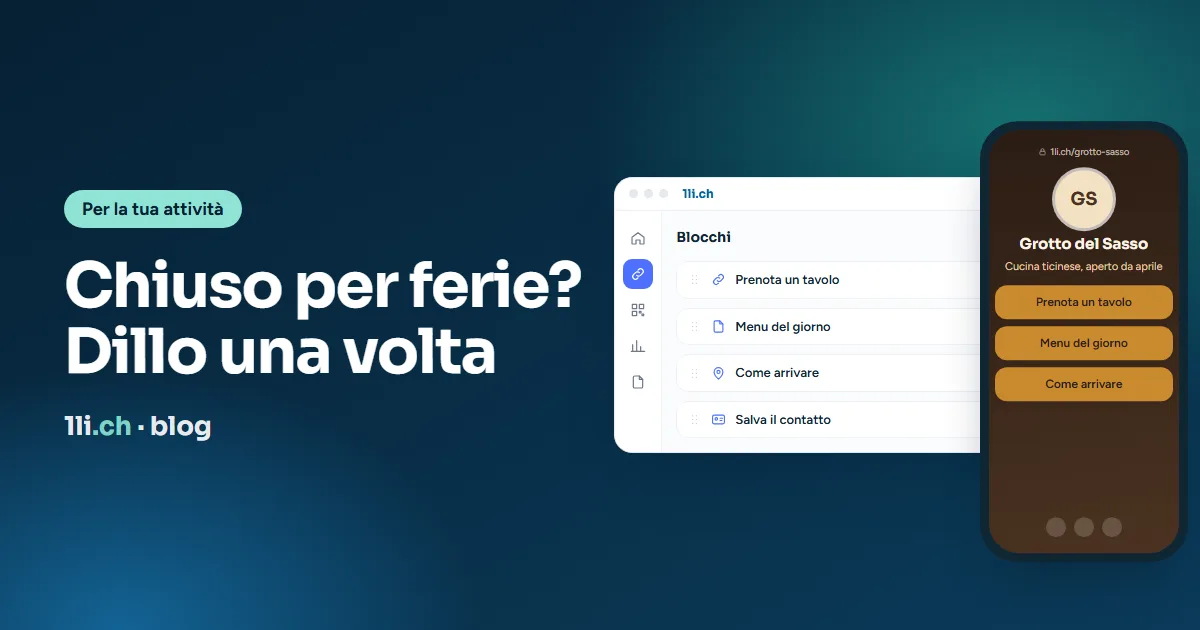
A bio link page is well suited to being the source for three reasons: you can edit it from your phone in a minute, it has an address that never changes and people reach it from everywhere, from your Instagram bio to a QR code on the door. If you’re not yet sure how it works, start with what is a bio link page: you’ll have yours in half an hour.
How to set up the page for special opening hours
At the top, the current notice
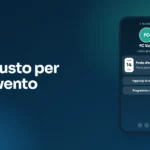
The first block on the page is for the information that matters today. Write it out in full, with the day of the week and the date: “Closed from Monday 20 July to Sunday 9 August. We reopen on Monday 10 August at 8.00”. Avoid vague phrases like “closed for a few days” or “reopening soon”: readers want to know whether they can come by tomorrow. When the notice is no longer needed, remove it or replace it with the next one.
Below that, your regular hours
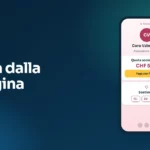
Right after that, add your everyday opening hours, written so they’re easy to read on a phone: one day per line, with the lunch break if you have one. If your hours differ in summer and winter, write only the ones in force now and add when they change.
Upcoming special dates
In Ticino, spring is full of public holidays: this year Ascension Day falls on 14 May, Whit Monday on 25 May and Corpus Christi on 4 June. Each one means more questions from customers. Put them in a short list, saying whether you’re open, closed or on reduced hours. People who need to plan ahead appreciate it, and you answer fewer phone calls.
What to do when you’re closed
Being closed doesn’t have to mean “nothing”. If during the holidays people can still order, book for when you reopen or collect from another shop, say so with a button. A WhatsApp button with a pre-written message, as we explain in WhatsApp links for your business, is often the simplest solution.
The QR code in the window that never goes out of date
A handwritten sheet on the door is only seen by people walking past. A QR code printed just once that leads to your page, on the other hand, works all year round: anyone who finds you closed scans it and immediately sees when you reopen and how to contact you. The QR code never changes, only what’s on the page does. You can put the same code on bags, receipts or your business card, as we describe in 9 practical uses of QR codes.
With the statistics you can also see how many people open the page while you’re closed. If visits shoot up on Whit Monday, you know that next year it’s worth announcing it earlier, or staying open for half a day.
Your Google listing and the other channels
Some places still deserve a direct update, because that’s where people look without clicking. The first is your Google listing: it lets you enter special opening hours for public holidays, and it’s best to do so a few days in advance. In the article on Google listing and bio link page we explain how to make the two tools work together.
For the other channels a link is enough. Your WhatsApp Business away message can say “We’re closed for the holidays, the reopening dates are here” with the link. Your answering machine can read out a short, easy-to-remember address. Your Instagram description keeps the link to the page, which you never touch.
A routine that takes ten minutes
The system works if you remember to update the source. The easiest way is to set a reminder in your phone’s calendar two weeks before every public holiday and every holiday period: “Update notice on the page and special hours on Google”. It takes ten minutes, and it saves you the phone calls from people who find the door shut.
While you’re at it, check the rest every now and then too: links that no longer work, QR codes leading to old pages, forgotten profiles. We’ve gathered these checks in the start-of-year digital checklist, which works just as well in spring.
In short
Holidays and public holidays aren’t a problem, opening hours scattered across seven places are. Choose a single source, your bio link page, with the current notice at the top, your regular hours below and a list of upcoming public holidays. Make everything else point to it, with a QR code on the door and a link in your profiles, and update only your Google listing directly. That way the next couple on a day trip will know before they set off whether you’re open. Start now, before Ascension Day: Create your free page.
Frequently asked questions
Do I need to reprint the QR code in the window when my opening hours change?
No. The QR code leads to your page: you update the hours on the page and the printed QR code stays valid.
Can I update the page from my phone?
Yes, you can edit the bio link page from your phone in a few minutes, even on the day you close.
Does the page replace my Google listing?
No, they work together: on your Google listing you enter special hours for public holidays, on the page you put notices, details and contact information.