Saturday morning at the Bellinzona market. A customer picks up an enamelled mug, turns it over and asks if you have it in blue too. Not today, you reply, but a batch is coming out of the kiln in two weeks. She smiles, says “I’ll come back then” and leaves. You’ll never see her again: she doesn’t know how to find you, and you have no way of letting her know when the blue mugs are ready. Anyone who sells at markets knows this scene well, whether it’s ceramics, cheese, soap or wine.
Direct selling works because of the personal contact. The problem is everything that happens afterwards, when the stall is packed away and the customer is back home. In this article we look at how a QR code on your stall and on your labels, together with a bio link page, keeps the door open between one market and the next.
The problem: customers only find you once
At the market, people buy on impulse, taste, chat. But when the honey runs out or their favourite mug breaks, the question is always the same: “where can I buy it again?” If the answer is a business card lost at the bottom of a bag, or a name to search on Google hoping to find the right one, many give up. Not out of ill will, but because it’s too much effort.
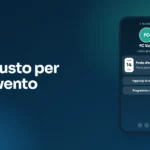
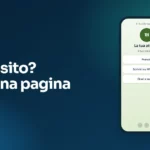
You need a single address that customers can open at any time and that answers three questions: where can I find you, what do you have right now, how do I order? A bio link page does exactly that, and you can update it from your phone even sitting in the van before you set up your stall.
What to put on a craftsperson’s page
Think of the page as your stall, open seven days a week. You don’t need to put everything on it: you need the things customers look for when you’re not in front of them.
- Where to find me: the dates of your next markets, with the town and the times. For important events, such as the Christmas market, an event link that customers save to their calendar.
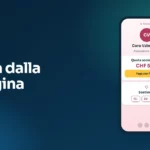
- What’s available now: a price list as a PDF behind a file link, or a few buttons with the season’s new products.
- How to order: a button to message you on WhatsApp or by email, with two lines explaining how it works (collection at the market, at the workshop, or delivery by post).
- Who you are: two sentences about your workshop and a photo of where you work. People buy from craftspeople for the story too.
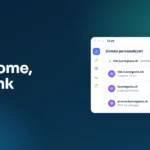
- Your contact details: a vCard to save to the address book with one tap, especially useful for shops and restaurants that want to resell your products.
If you’ve never built a page like this, the guide on how to create a bio link page takes you through it step by step.
The QR code on your stall
The first QR code goes on your stall, clearly visible, at eye level. A wooden sign or a small chalkboard saying “Order from home too” or “Dates of our next markets”, with the code underneath. The words matter as much as the code: they tell people why they should take out their phone. A QR code with no explanation gets ignored.
The best part is that you only print the sign once. The QR code leads to your page, and when the market dates or the price list change, you update the page, not the sign. For the right sizes and materials, you’ll find practical advice in how to print a QR code, written precisely for people who need to go to the printer.
The QR code on the label: the salesperson that stays in the home
The second QR code is the one that works hardest, even if you don’t see it working: it goes on the product label. The jar of jam stays in the cupboard for weeks, the soap in the bathroom, the bottle in the cellar. When it runs out, the QR code is right there, in front of whoever bought it (or whoever received it as a gift and doesn’t even know who you are).
There’s not much space on a label, so two tips:
- Use a QR code linked to a short link, so the code stays simple and readable even when small, and you can change the destination whenever you like.
- Add three words underneath, such as “Reorder here” or “Recipes and orders”. Without an invitation, the QR code just looks like a technical code.
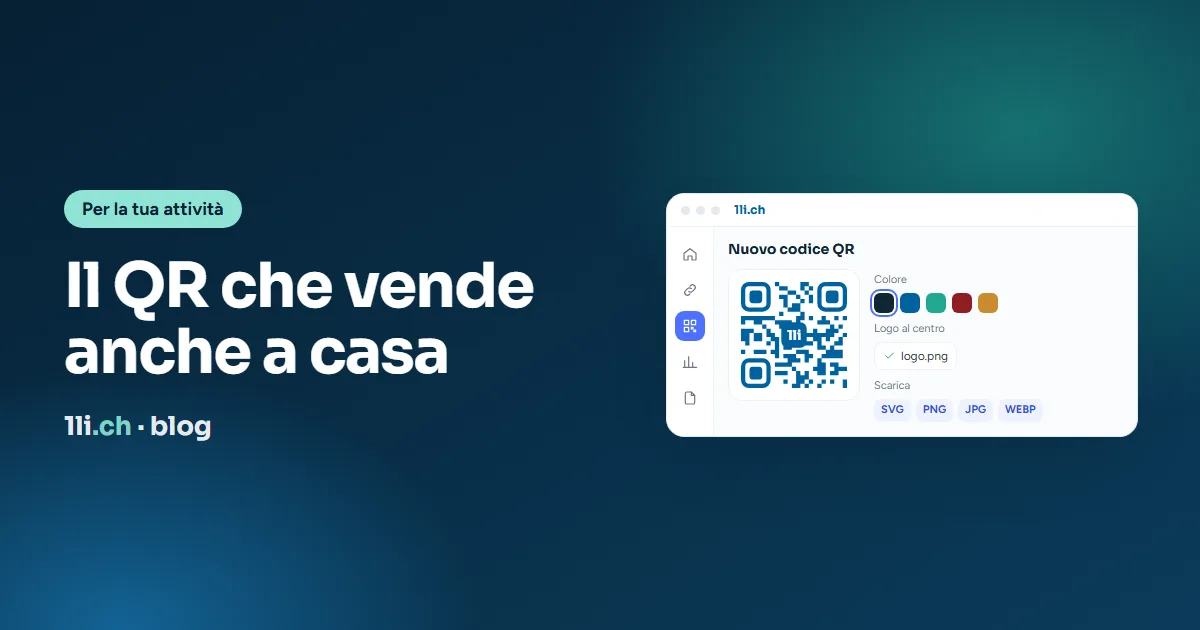
With custom QR codes you choose colours and logo, so the code blends with the label instead of looking like an afterthought. But keep good contrast: a beige QR code on kraft paper looks lovely but is hard to scan.
An example: the winery that sells three ways
Imagine a small winery in the Mendrisiotto, a few thousand bottles a year, sold at the cellar, at a couple of markets and to a few grottos in the area. The winemaker sets up a bio link page with the vintage’s wines, the price list as a PDF, the dates of tastings at the cellar and an “Order a case” button that opens WhatsApp. At the bottom, the vCard for restaurant owners.
Then he creates two different short links pointing to the same page: one for the QR code on the labels, one for the sign at the market. After a few months he looks at the statistics and discovers that visits from the labels are far more than he thought, and that they come mostly in December, when bottles are opened or given as gifts. The following year he prepares the page with the Christmas cases in good time. If you want to tell your online channels apart too, read the article on UTM parameters explained simply.
Orders and payments: start simple
Many craftspeople get stuck here: they think they need a full online shop before they can accept orders. They don’t. For most small producers, a WhatsApp button with a pre-written message is more than enough: the customer writes what they want, you reply with availability and collection options. You’ll find out how to set it up in the article on WhatsApp links for your business.
When orders grow, you can add a payment button to the page by connecting your own provider (for example PayPal). From the Business plan you also get blocks for selling products and services directly from the page. You’ll find the plan details on the pricing page.
Before your next market
A short checklist for the evening before, which takes ten minutes and saves you some embarrassment:
- check that the market dates on the page are correct;
- scan the QR code on your sign with two different phones;
- remove sold-out products, so nobody messages you about something you don’t have;
- prepare a ready-made reply for WhatsApp orders, so you can answer in a moment even during the market.
You’ll find more ideas for your trade on the page for craftspeople and producers.
In short
Direct selling thrives on personal contact, but it doesn’t have to end when you pack up your stall. A bio link page with your market dates, your price list and an easy way to order, plus a QR code on your stall and one on every label, turns a Saturday customer into a returning customer. You print the sign and the labels once, and you update the page whenever you like. Start with the page, the rest will follow: Create your free page.
Frequently asked questions
Do I need to reprint my labels if I change my price list?
No, if the QR code leads to your page or to a short link: you update the page and the labels you’ve already printed stay valid.
Can I take orders without an online shop?
Yes. A WhatsApp or email button on the page is enough for most small producers. Blocks for selling products and services are included from the Business plan.
Can the QR code on the label have my logo?
Yes, QR codes can be personalised with colours and a logo. Keep good contrast so it stays readable even when small.