One Saturday in November, a couple from Zurich is out between Mendrisio and Monte Generoso looking for somewhere to have lunch. They type “grotto” into their phone, look at the map and choose in thirty seconds. The first thing they see is not your website, and not your Instagram profile either: it is the Google listing with the name, the review stars, the opening hours, the phone number and a “Website” button. If the hours are wrong or that button leads to an old page, the couple goes next door.
For many small businesses in Ticino the Google listing (the Google Business Profile, once called Google My Business) is by far the most viewed shop window. The bio link page, on the other hand, is the place for everything the listing does not handle well. In this article we look at how to split the work between the two and how to stop them contradicting each other.
What the Google listing does well
The Google listing is unbeatable for getting you found by people searching in your area. It shows where you are on the map, whether you are open right now, how to call you and what other customers think of you. It also has room for photos and a few updates. It works brilliantly to answer three questions: does it exist? is it open? is it nearby?
It struggles, though, when there is a lot of information or it changes often: the menu of the day, the programme of theme nights, the updated price list, the form to book a table for twenty, the PDF with wedding packages. You can upload photos and updates, but the listing is not designed to be your main reference page. For that you need a place of your own.
What the bio link page does well
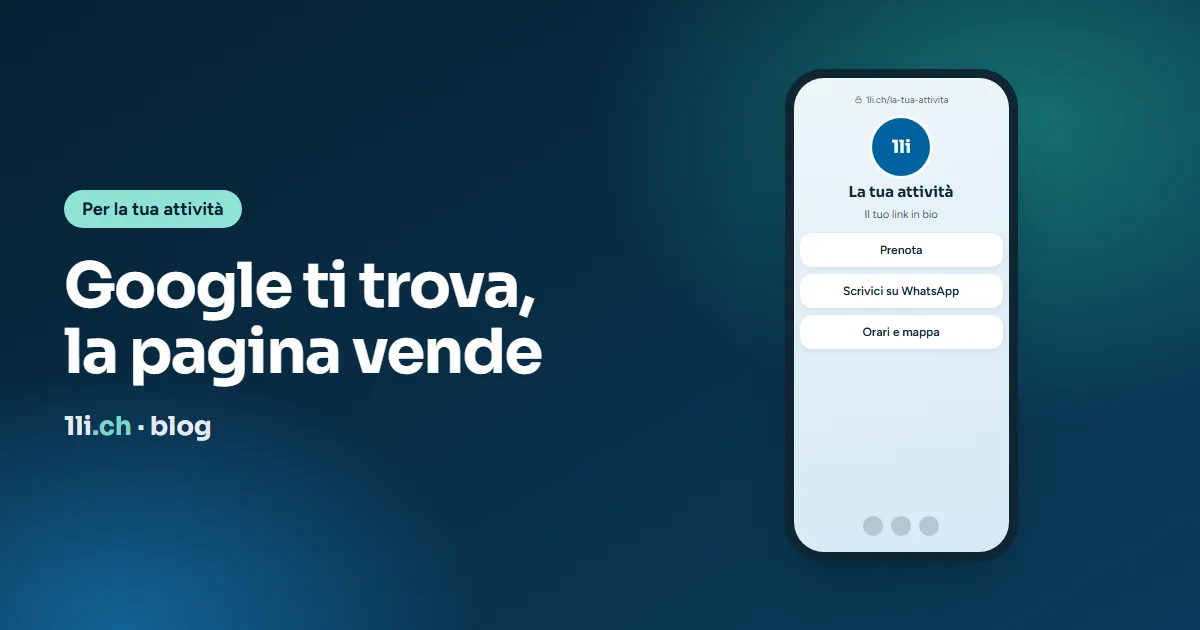
A bio link page is a single page, designed for the phone, with the buttons that matter: book, menu, call us, WhatsApp, directions, offers, social media. You manage it, you change it in a minute and you decide the order of the content. If you do not have a website, or if your website has not been touched for years because updating it costs too much, the bio link page can act as a lightweight website. We talked about this in the article on what a bio link page is.
So the division of labour becomes simple: Google gets you found, the bio link page turns the visit into a booking, a phone call or an order.
How to connect them
The most natural link is the website field in the listing. If you do not have a website, you can put your bio link page address there. If you do have a website, you can still use the bio link page in other parts of the listing where Google lets you add a link, for example for bookings or for the menu, depending on the type of business.
A tip: in the listing, enter the full address of the page, not a short link that redirects elsewhere. Google prefers addresses that lead straight to the destination, and so do people who look at the link before clicking it. If you want an address with your business name, you can connect a custom domain to the page. You can find the current rules on what you can enter in the listing in the Google Business Profile help centre.
The link works the other way round too. On your bio link page, add a “Leave us a review” button that leads to your listing: someone who has just had a good meal and follows you on Instagram finds it without having to search for your name on Google.
The golden rule: the same information everywhere
The most common problem is not missing information, it is information that contradicts itself. The Google listing says open on Sunday, the page says closed, the shop window says “Sunday by reservation only”. The customer does not know who to believe and often does not come. So, first of all, line up your basic information and check that it is identical in both places:
- business name, always written the same way;
- address, with the name of the village and not just the merged municipality;
- phone number, in the same format;
- opening hours, including your weekly closing days;
- seasonal closing periods, which are crucial for a grotto or a mountain restaurant.
When something changes, change it in both places at the same time. Keep a reminder on your phone listing everywhere your hours are written: Google listing, bio link page, shop window, Instagram. It sounds obvious, but it is the simplest way not to lose customers at the door.
An example: a grotto and the winter season
A grotto in Valle di Muggio (a made-up example) is closed on Mondays and Tuesdays and takes a break from mid-January to the end of February. In the Google listing the owner keeps the hours and closures up to date, and in the website field he has put the address of his bio link page. On the page there is the seasonal menu, the booking button, the map with the car park and the footpath for those arriving on foot, the group menu as a PDF and the review button.
In November, game season arrives. The owner changes the menu on the page in two minutes, adds a line at the top (“From Friday: game dishes”) and posts a photo on the Google listing too. People who find the grotto on the map see the stars and the right hours, click “Website” and find exactly that week’s menu. You will find more examples for restaurants on the page dedicated to restaurants and grottos.
Understanding where your visits come from
Google shows you some data about your listing, and the bio link page statistics tell you how many visits come in, where from, from which cities and on which devices. Side by side, they help you understand how much work the listing does for you. If visits from Google grow in autumn, you know it is worth looking after your photos and replying to reviews.
In short
The Google listing and the bio link page are not competing: the first gets you found by people passing by, the second gives that person everything they need to book, order or call you. Link them together, keep name, address, phone and hours identical in both places and update the menu where updating is quick. It is half an hour of work that pays for itself with the first couple of hungry tourists. Create your free page
Frequently asked questions
Can I put my bio link page in the “Website” field of my Google listing?
Yes, if you do not have a website the bio link page can act as one. Enter the full address of the page, not a short link that redirects elsewhere.
Do I have to update my opening hours in two places?
Yes: the Google listing and the bio link page are separate. Change them together so they do not contradict each other.
How do I get customers to leave a review?
Add a button to your bio link page that leads to your Google listing: your followers find it without having to search for you.