The committee printed 200 posters for the Christmas market: Saturday from 10 to 18 in the square, mulled wine and tombola at 16. Then the forecast announces snow, the market moves under the school arcade and the tombola is pushed back to 17. The posters are already up in the village shops, from the baker to the post office, and nobody feels like doing the rounds again with sticky tape. Anyone who organises events for an association knows this story well: paper gets printed once, but the information keeps changing until the last minute.
A QR code on the poster solves most of the problem, on one condition: it must not lead to fixed information, but to a page you can update whenever you like. Here we show you how to use it for markets, village fairs, tombolas and club dinners, and how to find out which poster worked best.
Why a poster alone is no longer enough
A poster has to fit in a few lines: title, date, place. Everything else (the dinner menu, the day’s programme, plan B if it rains, the sign-up form) doesn’t fit, or it’s printed so small that nobody reads it. And when something changes, the paper falls behind and the president’s phone starts ringing.
With a QR code, the poster becomes the front door. People walking past the shop window scan the code with their phone and find the complete, up-to-date information. Meanwhile, you change times and details from your phone, without reprinting anything. The QR code stays the same because it doesn’t contain the information, only the address of the page where the information lives.
The event link: the whole event in one link
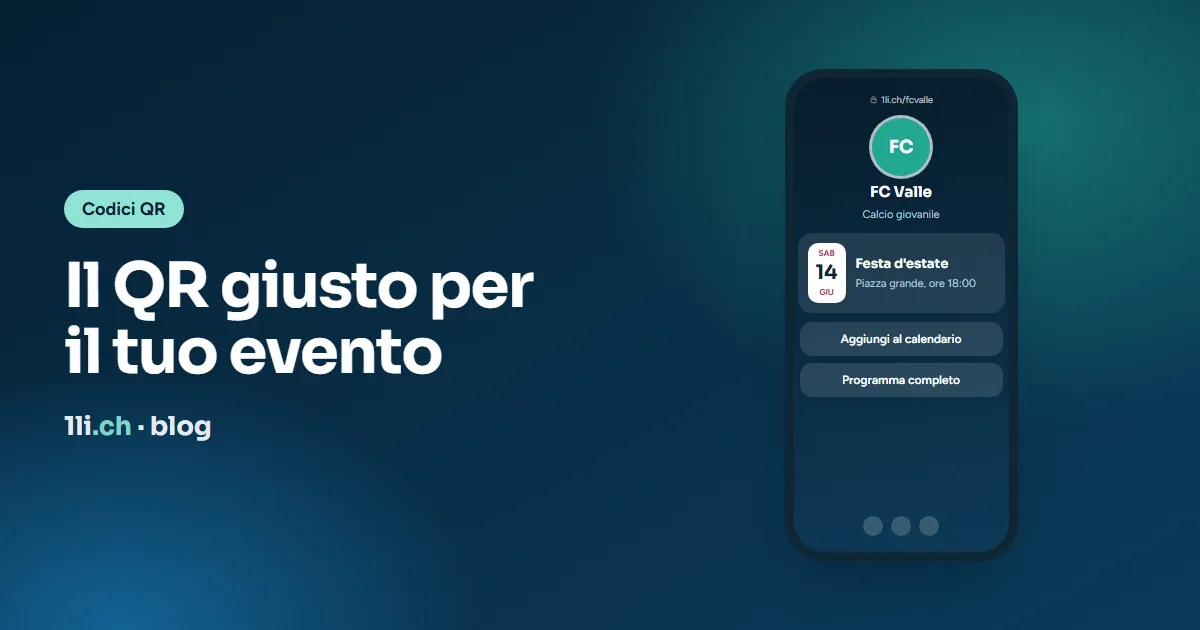
On 1li.ch you can create an event link, a link dedicated to a single event, designed to gather the key information (what, when, where) and make it easy to find again. You share it in the members’ WhatsApp group, put it in your Instagram bio and turn it into a QR code to print on the poster.
If you have several events in the same season, an association bio link page is the better choice: the next event at the top, the season’s calendar below, the sign-up form, the committee’s contacts and the sponsors’ logos. In this case the QR code leads to the page, and you keep the page up to date yourself, from your phone too, even the evening before the event.
Where to put the QR code (and where not to)
A QR code works where people have time to stop and take out their phone. These are the spots that usually work best:
- Posters and flyers in the village shop windows, on the municipal notice boards and at the gym entrance.
- The tables at the club dinner or village fair, with the menu, the evening’s programme and the membership form.
- The entrance to the market, with the map of the stalls and the tombola time.
- Raffle tickets, with a QR code leading to the winning numbers: nobody has to phone any more to find out who won the hamper.
- The association newsletter or the letter to members, for those who still prefer paper.
Avoid places where nobody stops: a QR code on a banner along the main road, seen from a moving car, will never be scanned. There you need a short web address that’s easy to remember, not a code.
An example: the sports club dinner
Take a youth football club in the Bellinzona area (a made-up example, but a very realistic one) organising its end-of-year dinner in a local grotto. The committee prepares a bio link page with the menu, the price, the time, directions and the sign-up form. Then it creates a QR code leading to that page and prints it on the poster in the changing room, on the flyer handed to parents and in the November letter to members. You’ll find more ideas for committees on the page for associations and sports clubs.
Two weeks before the dinner, the grotto changes the main course: no braised beef, a mushroom risotto instead. The committee updates the menu on the page in a minute and the posters stay where they are. The week before, the page also shows the number to call for the last free seats. The day after the dinner, the same page shows photos of the evening and a thank you to the sponsors, and the same QR code keeps doing its job.
If the club also wants to collect the dinner fee, it can add the PayPal block or the donations block to the bio link page, both available on the Free plan. We don’t take any commission on payments. To get paid with TWINT there’s 1pay.ch, AMWeb’s Swiss payment service: you add the payment link to the page like any other button.
One QR code per poster: measure what works
Here comes what paper never gave you: numbers. The QR code leads to a link, and every link has its own statistics: how many visits, from which countries and cities, on which device, where they come from. If you create a different short link and QR code for each channel (one for the posters in shops, one for the flyers for parents, one for the letter to members), after a few days you know which one brings the most people to the event page.
If the posters in shops bring few visits and the flyer handed out at training brings lots, next year you know where to spend the printing budget. The statistics tell you how many times the link was opened, not who opened it: people who scan stay anonymous.
Before printing: three checks
- Test the QR code with two different phones, ideally an Android and an iPhone, and with the poster already printed, not just on screen.
- Print it big enough. A rule of thumb: the side of the QR code should be at least a tenth of the distance it’s read from. Someone stepping up to a shop window reads from half a metre, so you need at least 5 cm. Always leave a white margin all around.
- Write under the QR code what people will find: “Programme and sign-up” invites far more scans than a generic “Scan here”.
You’ll find more ideas for printed material in the article on 9 practical uses of QR codes.
How much it costs
For a single evening the Free plan is all you need: 1 bio link page, 1 short link, 1 QR code and 1 event link. The Free plan shows ads and keeps statistics for 1 month.
If the association organises several events a year or wants a different QR code for each channel, the Personal plan costs CHF 5.- a month (CHF 45.- a year): 5 bio link pages, 5 QR codes, 25 short links, 5 event links, no ads and statistics kept for 6 months. For those who organise lots of events, like a tourist association or a carnival committee, there’s Business at CHF 19.- a month, with 50 QR codes and 50 event links. You’ll find everything on the pricing page; you can try the paid plans free for 14 days.
In short
A QR code on a poster is only as good as the page it leads to. If it leads to a page you update yourself, you can change times, venue and menu until the last minute without reprinting anything, collect sign-ups in one place and find out, with numbers in hand, which poster brought the most people. The December market is the right moment to try it: prepare the event page, print the QR code and watch the visits come in. Create your free page
Frequently asked questions
If I change the time after printing the posters, do I have to redo the QR code?
No. The QR code leads to your page: you update the page and the printed QR code stays valid.
How many QR codes can I create for free?
On the Free plan you get 1 QR code, 1 short link and 1 event link. With Personal, at CHF 5.- a month, you get 5 QR codes, 25 short links and 5 event links.
Can the association collect the dinner fee from the page?
Yes, with the PayPal block or the donations block, available from the Free plan. 1li.ch takes no commission. For TWINT you can use 1pay.ch.
Can I see who scanned the QR code?
No. You see how many visits come in, from which countries and cities, on which device and from where. You don’t see who the people are.