In mid-February, in many associations in Ticino, the secretary has the same list on the table: call the general meeting within the deadlines set by the statutes, send out the agenda, attach the accounts, the auditors’ report and last year’s minutes, count who’s staying for dinner. Then the replies come in: “I can’t open the attachment”, “where do I find the budget?”, “there are two of us for dinner, no, three”. Half the work is answering the same questions.
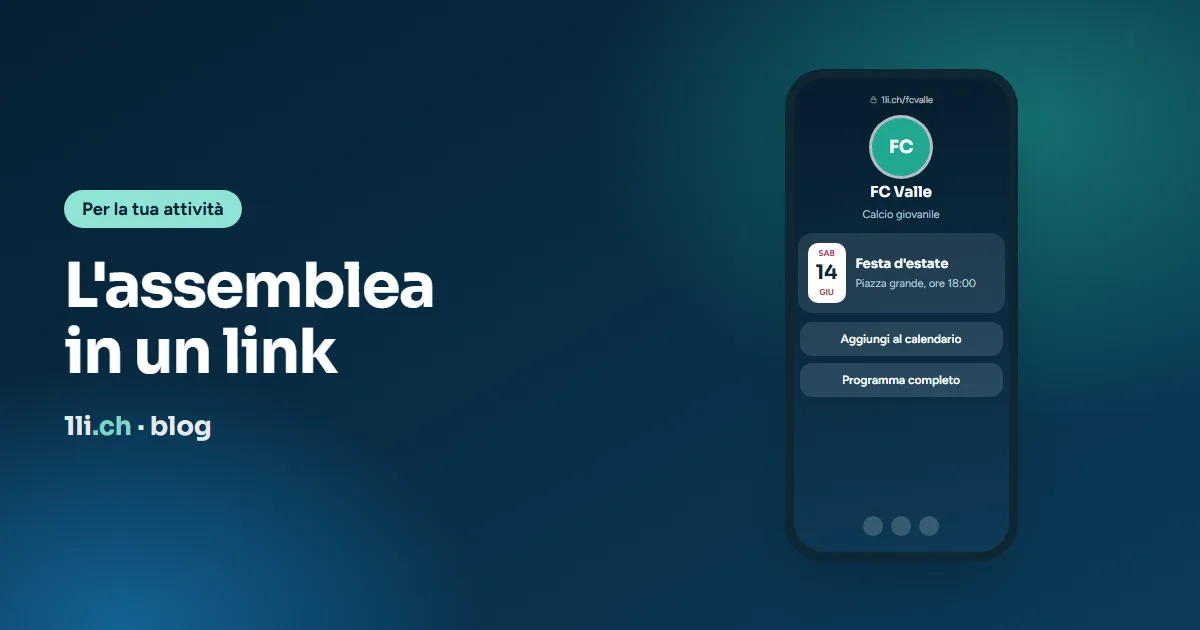
A page with everything needed for the general meeting, reachable from a single link, takes away much of that work. The notice of meeting is still the one required by the statutes, but it becomes shorter and clearer: it contains a link, or a QR code, and everything else is there.
What to put on the general meeting page
You can create a bio link page just for the general meeting, or add a section at the top of your association’s page for a few weeks. Either way, the order matters: practical information first, then the documents, then everything else.
- Date, time and place, written out clearly, with a link to the map of the venue.
- An event link that saves the meeting to members’ phone calendars with one tap. You’ll find out how it works on the events page.
- The agenda, in the text of the page or in a PDF.
- The documents: minutes of the last meeting, annual accounts, auditors’ report, budget, any proposed amendments to the statutes.
- Registration for the meeting and for the dinner, if there is one.
- A contact for questions, ideally a person with a name and a number.
Documents: one link instead of five attachments
Sending five PDF attachments to a hundred members means full inboxes, emails ending up in spam and some people unable to open them on their phone. With a file link every document has its own address: members tap and read it, without keeping attachments unless they want to. And if the treasurer spots a mistake in the accounts two days after sending, you put the corrected version on the page in place of the old one, without resending the email to everyone.
One precaution: the page is public, so anyone with the link can see it. An association’s accounts can often go there without any problem; a list of members with addresses and phone numbers can’t. Keep personal data out, and for confidential documents consider password protection, included in some plans (the details are on the pricing page).
Registrations and polls: know in advance who’s coming
To organise the room and above all the dinner, you need to know how many people are coming. An online form (there are free ones that are easy to set up) linked to a button on the page does the work for you: name, number of people, vegetarian menu yes or no. The secretary opens the list of responses and has the list ready, instead of counting messages in the WhatsApp group.
The same goes for questions the committee wants to ask before the meeting: the date of the next outing, the menu for the summer party, an idea for the new logo. A short poll linked to the page gathers the views of members who can’t come to the meeting too. But be careful not to mix up roles: an online poll is for hearing from members, while official votes are held as the statutes require.
The notice of meeting: paper, email and QR code together
In almost every association there are members who read emails and members who wait for a letter. You don’t have to choose. The notice becomes a single sheet with the essential information (date, place, short agenda) and a box at the bottom: “Documents, dinner registration and directions: scan the QR code or type” followed by a short link that’s easy to write.
The same link goes in the email, in the WhatsApp group and in your social media bio. On printed materials, always write the address under the QR code: for many older members it’s easier to have a grandchild open it than to scan a code. If your association has many older members, also read the tips for a bio link page everyone can read.
Before printing, check in your statutes how the notice of meeting must be given: in what form, how far in advance and with which documents. The link doesn’t replace these rules, it just makes them easier to follow.
An example: the shooting club that no longer chases anyone
Imagine a shooting club in the Riviera with around eighty members. The secretary prepares the general meeting page at the end of January: at the top, date and place with the event link, below that the agenda, then four file links (minutes, accounts, auditors’ report, programme of activities), a “Sign up for dinner” button linked to a form and a short poll on the date of the club outing.
The notice letter goes out with the QR code printed at the bottom, the email with the link. In the statistics the secretary sees that the page is opened mostly in the two days after the letter arrives. Two days before the meeting she sends a reminder to the group with the same link. The day after, she updates the page: the draft minutes, the names of the new committee, a photo of the dinner.
After the meeting, the page keeps working
Once the meeting is over, don’t throw the page away. It becomes the archive of decisions taken and the starting point of the association’s year: the calendar of activities, registrations, the membership fee. If your association also organises events open to the public, you’ll find the articles on how to promote an event with a poster and a QR code and on registrations for the new season useful. You’ll find more ideas on the page for associations.
In short
The annual general meeting doesn’t have to be a race of attachments. A page with date, place, event link, documents, registration and a poll, reachable from a short link and a QR code on the notice, answers members’ questions before they ask them. The rules in the statutes stay the same, but the committee’s workload gets a lot lighter. Prepare the page for your next general meeting: Create your free page.
Frequently asked questions
Does the link replace the notice of meeting required by the statutes?
No. The notice is given as the statutes say; the link goes with it, with documents, registrations and directions.
Can we put the association’s accounts on the page?
Yes, with a file link. Remember that the page is public: no personal data of members.
How do we know how many people are coming to the dinner?
Link an online registration form to the page: the responses arrive in a ready-made list.