In January the shops are quiet, the restaurant has just reopened after the holidays and the association’s secretary is waiting for the general meeting. It is the time when you do the stocktake in the storeroom, change your diary and throw away old paperwork. The digital side of your business needs the same clean-up too: Christmas opening hours still online, a link in your bio that leads to an expired offer, a QR code on the shop window that still opens December’s greetings.
You do not need a whole day. Here are ten checks you can do in an hour, with a coffee and your phone in hand. Tick off the list and the year starts with the right information everywhere.
Opening hours (10 minutes)
1. Remove the holiday hours. Closures on the 24th, special Sunday openings before Christmas, “see you on 7 January”: check that they are no longer written anywhere. Bio link page, Google listing, social profiles, answering machine, sign in the shop window.
2. Note this year’s closures now. If you know you will close for the carnival holidays or in August, put a reminder in your diary: two weeks before, you will update everything in one go. If your Google listing and your page do not say the same thing, read the tips in the article on Google listing and bio link page again.
Links (15 minutes)
3. Click every button on your page. One by one, from your phone. Does the menu lead to this year’s menu? Does the booking form still work? Is the WhatsApp number the right one? A broken link is a door slammed in the face of someone who wanted to contact you.
4. Check the link in your social media bio. Instagram, Facebook, TikTok: does the link lead to your main page or to a November promotion? If you changed it for an offer, set it back to your main page.
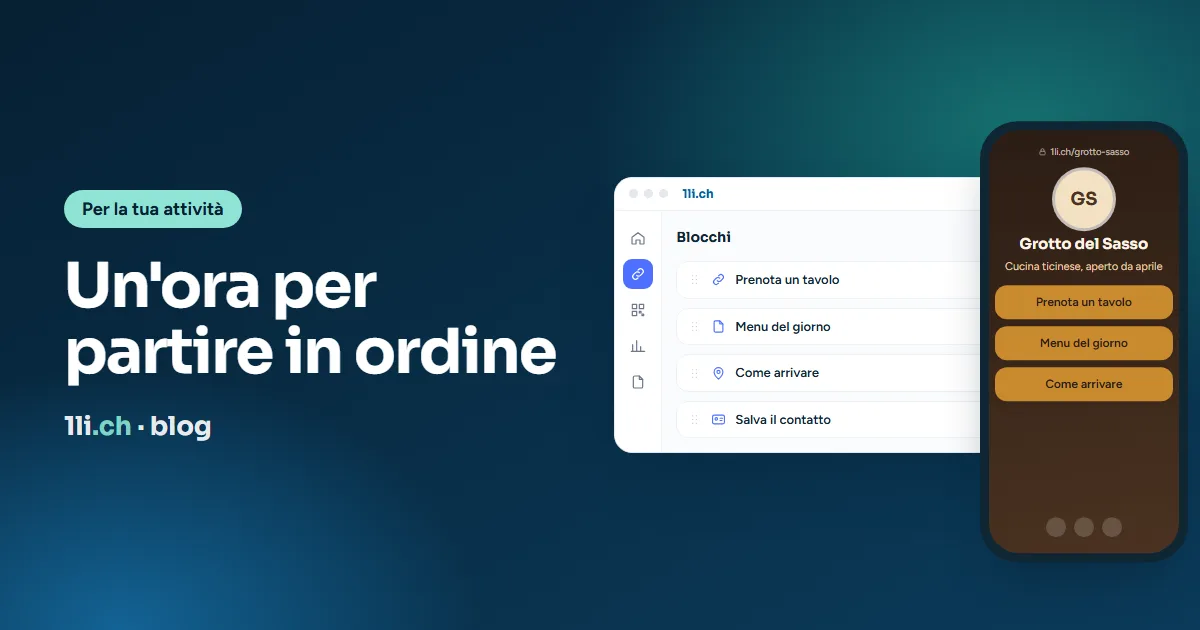
5. Reorder the buttons. At the top goes what people look for most in January: for a restaurant the winter menu, for a shop the sales, for an association the general meeting and membership fees. Move to the bottom, or remove, whatever is no longer needed. If you do not yet have a page that brings everything together, start with a bio link page.
Printed QR codes (10 minutes)
6. Do a round of your QR codes. Shop window, tables, counter, flyers left in the drawer, business cards, stickers on the van. Scan each one with your phone and see where it leads. This is the check people forget most often, because you see the printed paper every day and stop thinking about it.
7. Update seasonal destinations. If in December you printed cards or flyers with a QR code for greetings or gifts, change the destination: Happy New Year, sales or simply your main page. We talked about this in the article on Christmas greetings with a QR code. If a printed QR code leads straight to an address you do not control and no longer works, make a note of it: next time you print, replace it with one that goes through a link of your own. To check a QR code without opening the link, you can use the QR reader among our free tools.
Last year’s numbers (10 minutes)
8. Look at the statistics for December and for the year. Open the statistics for your links and your page and ask yourself three things: which button was clicked most, which cities the visits come from, which QR code worked best. You do not need complicated charts: you just need to understand where to put your energy this year.
9. Write down three things you have learned. For example: “The QR code on the tables works, the one on the mailed flyer does not”, “Visits from Bellinzona have doubled”, “Nobody opens the price list PDF”. Three lines on a sheet of paper, to look at again at the end of the year. If your plan keeps statistics only for a limited period, export or note down the numbers you care about before they disappear.
Access (5 minutes)
10. Check who has the keys. Who knows the passwords for your social media, your page and your Google listing? Is the apprentice who left in the summer still there, or the association secretary who stepped down from the committee? Change any passwords that have been shared, store them in a password manager and make sure at least two trusted people can log in. The day you need a password and do not know it is always the worst day. While you are at it, also check which email address your account notifications go to: if it is a former colleague’s inbox, nobody is reading the important messages.
An example: the bike shop
A bike shop in Locarno (a made-up example) does this round on the second Monday of January, with the shop closed. In an hour it finds that the page was still showing “Christmas gifts: order by the 20th”, that the QR code on the van stickers led to a repair booking form it no longer used and that the Google listing still had the summer Saturday hours. It fixes everything, puts “Winter bike service: book now” at the top of the page and notes that the QR code on the counter was the most scanned of the year. In March, when the first sunny days arrive, everything is already ready.
If you find you need more QR codes or more pages than you have, the pricing page shows the differences between the plans.
In short
An hour in January is worth more than ten hours of apologies during the year. Holiday hours to remove, buttons to click one by one, printed QR codes to check, statistics to read calmly and passwords to put back in order: ten simple checks that get you started with correct information wherever customers look for you. Put them in your diary for next year too, perhaps on the same Monday. Create your free page
Frequently asked questions
How long does it really take?
For a small business with one page, a few QR codes and two or three social profiles, an hour is enough. If you have a lot of printed QR codes, the round may take a little longer.
A printed QR code leads to an old page: do I have to reprint it?
If the QR code goes through a short link or a page you manage, no: you change the destination. If it leads straight to an address you do not control, replace it next time you print.
How long are statistics kept?
It depends on the plan. Note down or export the numbers you care about before they expire; the details are on the pricing page.