Every December, in a carpenter’s workshop or a fiduciary’s office, the time comes for the greeting cards. You buy the cards, sign a pile of a hundred of them and write “Happy holidays and thank you for your trust” by hand until you can no longer feel your wrist. Customers appreciate the gesture, but it is always the same, and the space on a card is what it is: two lines and a signature.
A QR code printed on the card takes nothing away from the gesture; in fact, it extends it. Whoever receives the card scans it with their phone and finds a thirty-second video of the team sending their wishes, a photo of the decorated workshop, a voice message from the owner or a small gift. In this article we look at how to prepare it, what to put behind it and how to avoid it leading to an empty page in January.
What to put behind the QR code
The QR code is just the door: what matters is what is on the other side. Here are a few ideas that work well at Christmas, grouped by who is sending the wishes:
- A business with employees: a short video with the whole team, filmed on a phone in the workshop, in the kitchen or in front of the shop window. You do not need a director, you need people to see the faces.
- A professional: a personal thank-you message, perhaps with the dates your office closes and reopens.
- An association: the group photo of the year, the best moments of the season and the calendar of January events.
- A shop: a voucher or an offer reserved for those who received the card, valid until Epiphany.
- The family: the album of the year’s photos for grandparents far away or relatives on the other side of the Gotthard.
The content can be on YouTube, in a PDF, in a shared photo folder or on a bio link page with a video, two lines of text and your contact details. A file link is handy for a PDF or an image; for video it is usually better to use a video platform, linked to the page with a button.
Why go through a link of your own
You could print the QR code of the YouTube video directly. It works, but it has two limits. First: if the video has to be redone or you change your mind, the printed QR code keeps leading to the old one. Second: you do not know how many people have opened it. If instead the QR code leads to a short link or a page you manage, you can change the destination whenever you want and see how many times it has been opened, from which cities and on which device.
The short link also helps people who do not scan: written under the QR code in legible characters, it lets anyone type it by hand. Think of the elderly customer who receives the card and asks their grandchild to open “that link there”.
How to prepare the card
- Prepare the content first, then the QR code. Film the video, choose the photos, write the message. The QR code takes a minute to generate, the content does not.
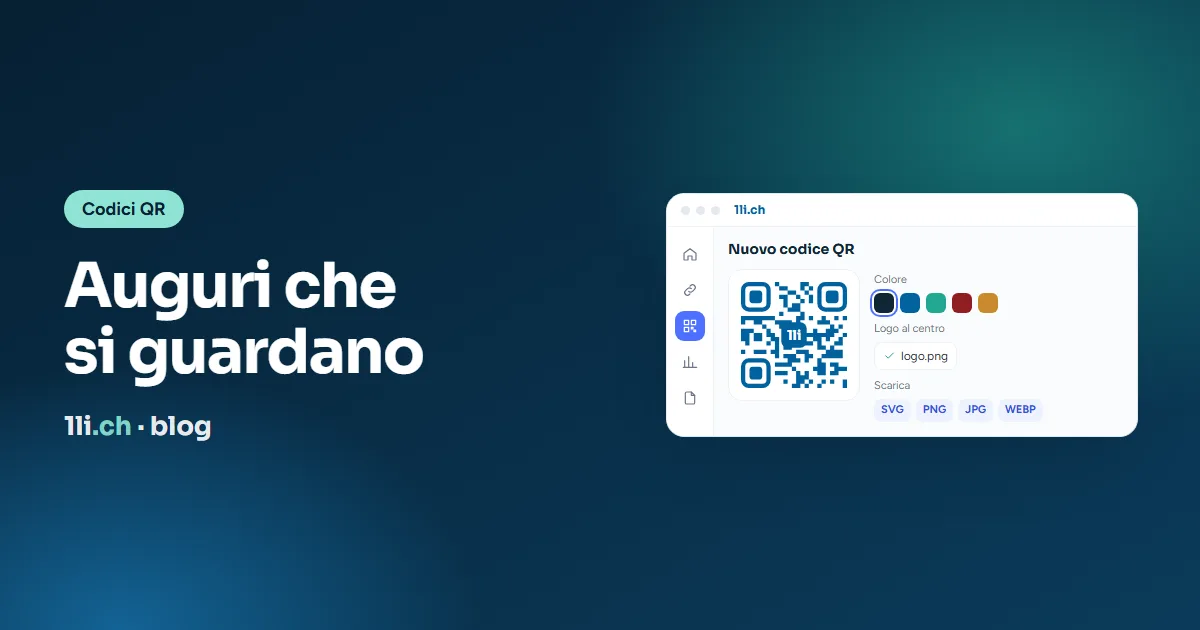
- Create the QR code that leads to your link, in your business colours and, if you like, with your logo in the centre. Keep good contrast: dark on light, never red on green, even if it is Christmas.
- Give a reason to scan: “A greeting from our team”, “Scan for your gift”. A QR code without an invitation looks like a product barcode.
- Test it on the printed card, not on the screen, with two different phones and under an ordinary household lamp.
- Leave white space around the code and do not fold the card right over the QR code.
An example: the joinery near Lugano
A small joinery near Lugano (a made-up example) sends about a hundred cards to its customers every year. This year there is a QR code on the back with the words “A greeting from the workshop”. The QR code leads to a page with a forty-second video: the four carpenters sending their wishes among the sawdust, a round-up of the year’s best work and, underneath, the holiday closing dates and the emergency number.
On 7 January the owner changes the page: the Christmas video makes way for a New Year message and the calendar of slots available for spring work. The cards held by a magnet on customers’ fridges keep leading to something current. At the end of the month he looks at the statistics and finds that over half the visits came in the days right after the cards were sent: next year he will post them a week earlier.
After the holidays: do not leave the QR code orphaned
The risk with every seasonal QR code is that in February it leads to a Christmas video nobody wants to watch any more, or worse, to a page that no longer exists. Set yourself a reminder for Epiphany and decide what to show from January onwards: New Year wishes, your main page with your contact details, the news of the season. If the QR code goes through a link of your own, you only need to change the destination.
You will find other ways to use QR codes on paper, from the shop window to packaging, in the 9 practical uses of QR codes. And if your December also means Christmas markets and village festivals, read the tips on QR codes for village festivals and chestnut festivals again: they work in the snow too.
In short
A QR code on your greeting card turns two handwritten lines into a video, a photo or a gift, without taking anything away from the gesture of signing it. Prepare the content first, send the QR code through a link you manage, write a clear invitation next to the code and change the destination in January. Customers will remember your card long after the tree has come down. Create your free page
Frequently asked questions
Can I put a video behind the QR code?
Yes: upload the video to a video platform and have the QR code lead to your link or to your bio link page with the video and your contact details.
After Christmas, can I change what the QR code opens?
Yes, if the QR code leads to a short link or a page you manage: you change the destination and the printed QR code stays valid.
Can I see whether customers have opened the message?
You can see how many times the link has been opened, from which cities and on which device. You cannot see who the people are.